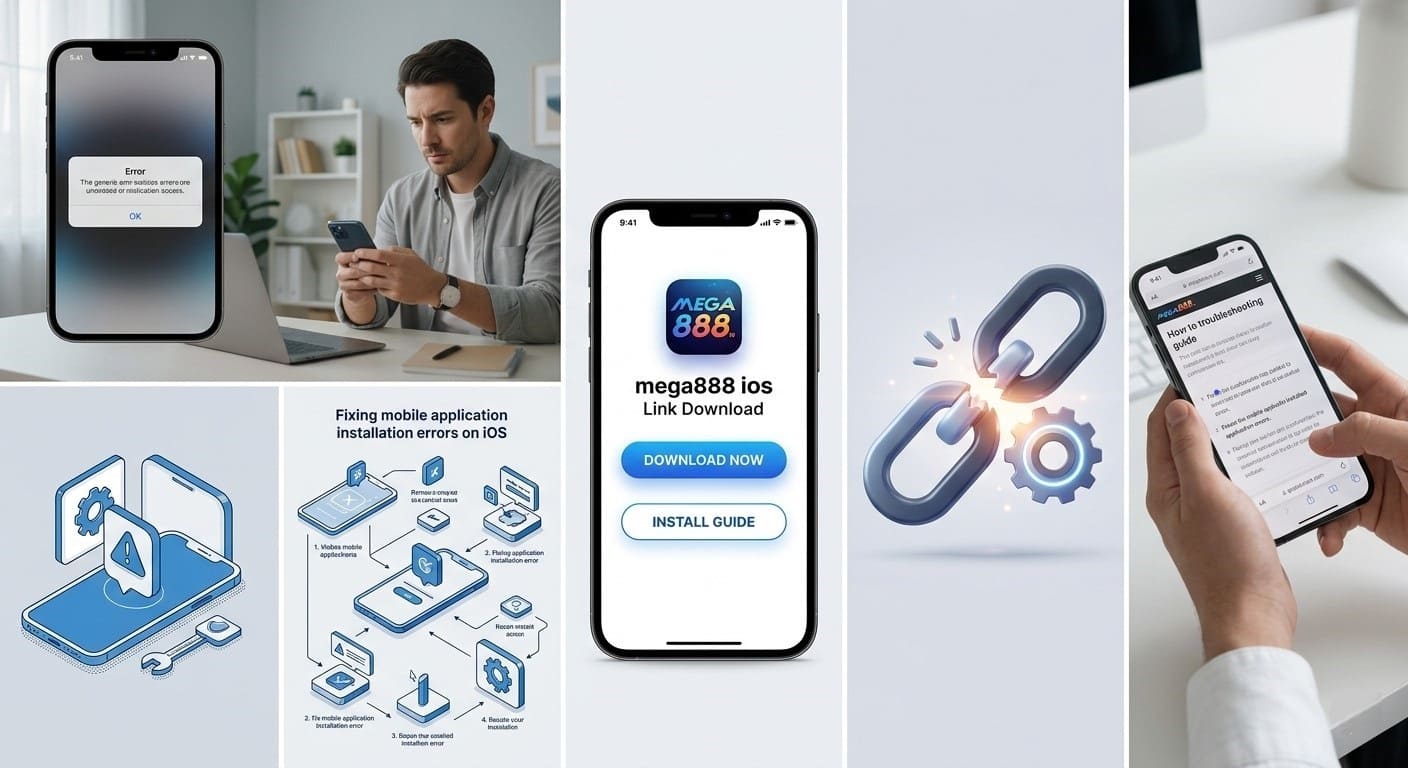
Understanding the App Not Available Error on iOS
Apple security protocols are designed to keep your device safe, but they often flag third-party applications that are not distributed via the official App Store. The “App Not Available” notification typically indicates that your device cannot verify the developer identity behind the installation file, or the enterprise certificate linked to that application has been temporarily revoked by Apple.
For users of platforms like ours, this is a standard procedural hurdle rather than a genuine security threat. By understanding how your iPhone handles enterprise deployments, you can easily navigate these settings to authorize your software and continue your gaming session without interruption.
Why Mega888 Users Encounter Installation Issues
Verification Standards
Apple maintains an incredibly rigorous verification process. Because our platform operates outside the App Store, it relies on enterprise profiles that must be manually trusted by the end user to function.
Version Compatibility
The latest Mega888 iOS software requires specific configuration settings. Using outdated versions can lead to conflicts with modern iOS security patches, making updates essential.
Network Restrictions
Regional network blocks or ISP restrictions can sometimes prevent your phone from reaching the server required to download or verify the installation profile correctly.
Step-by-Step Guide to Resolving the Installation Error
To successfully run your games, follow these critical steps to ensure your device recognizes the trusted mega888 ios link. Precision is key during these manual configurations.
1. Verifying Your Source
Always verify that you are downloading from the official portal. Third-party mirror sites often distribute corrupted files that trigger immediate “App Not Available” prompts due to invalid signatures.
2. Clearing Browser Cache
Safari stores significant amounts of cache data. If a previous installation attempt failed, residual data might cause a loop. Navigate to Settings, find Safari, and select Clear History and Website Data.
Strategy Tip:
Before you begin a fresh install, delete any existing versions of the app. This prevents version conflicts that often trigger the App Not Available error on newer iOS updates.
3. Trusting the Developer
Once downloaded, the app will not launch until authorized. Go to Settings > General > VPN & Device Management. Locate the enterprise profile related to the app and select Trust. This grants the software permission to run on your device.
Troubleshooting Mega888 iOS 1.3.2
Users attempting to install mega888 ios 1.3.2 version specifically need to ensure they are on the correct firmware. If you encounter a stall, check your available storage space. High-fidelity gaming applications require significant buffer space to unpack during the installation process.
Frequently Asked Questions
Why does my iPhone say App Not Available?
This usually happens because the developer certificate is not trusted by your device or the specific app version is currently revoked by Apple.
Is the Mega888 1.3.2 version safe to install?
Yes provided you download it from the official verified link at the mega888company website to ensure file integrity.
How do I trust the developer on iOS?
Go to Settings then General then VPN and Device Management and select the developer profile to tap Trust.
Can I install Mega888 without a jailbreak?
Yes the application is designed to be installed via official profiles and does not require any jailbreak modifications to your device.
What should I do if the link does not open in Safari?
Ensure you are using the Safari browser specifically as other browsers like Chrome often struggle with enterprise installation prompts.
Does the App Not Available error mean I have a virus?
No it is a standard security feature from Apple that restricts apps not downloaded directly from the official App Store.
How often should I update my Mega888 app?
You should check for updates whenever the app fails to launch or when a new version like 1.3.2 is officially released.
Why does the app stop working after a few weeks?
Apple periodically revokes enterprise certificates which may require you to reinstall the app using the latest link provided on the site.
Is it necessary to delete the old app before installing a new version?
Yes it is highly recommended to uninstall the previous version to prevent installation conflicts or data corruption.
Which iOS versions are compatible with Mega888?
The app is generally compatible with most recent iOS versions but checking the specific requirement for version 1.3.2 is advised.
What if the Trust button does not appear in settings?
Restart your device and ensure you have an active internet connection as the device needs to verify the certificate with Apple servers.
Are there regional restrictions for downloading Mega888?
Some regions may block access to the installation site requiring you to use a reliable connection to reach the primary domain.
Can I restore my game data after reinstalling?
Yes as long as you have your account username and password your game progress is stored on the server and will be available upon login.
Why is the download progress bar stuck?
A weak internet connection or insufficient storage space are the most common causes for a stalled installation process.
Where can I always find the most recent working link?
You should always visit the best mega888 official download portal to access the most up to date and functional installation links for your device.